Skip to content
Zonr

How it works

A virtual barrier around every machine

Zonr is a People Plant Interface solution. It warns workers and operators the moment someone enters a machine's exclusion zone, and records every incursion so you can learn from it.

New to exclusion zones? Read our complete guide to virtual exclusion zones

See it in action

The zone at work

An excavator from above, with its zones, and what happens as people come and go.

  • Worker
  • Operator
  • Banksman
  • Approved
  • Alarm
  • Zone

How Zonr measures distance

Zonr doesn't guess how close someone is from how strong a signal looks. It times radio messages between the machine and each Tag, and works out the distance from how long they take to travel.

Sensor Tag message out reply back held round trip
  1. 1

    Ultra-wideband pulses

    Zonr uses ultra-wideband (UWB) radio, which sends very short pulses. That lets each unit pin down the exact moment a message arrives.

  2. 2

    Timing the round trip

    A Sensor or the Base sends a message to a Tag and starts timing. The Tag replies, saying exactly how long it held the message. Take that away from the round trip, halve what is left, and you have the travel time each way.

  3. 3

    Very fine clocks

    Each unit timestamps messages in steps of about 15 trillionths of a second: the time radio takes to travel about 5 mm. Radio covers about 30 cm in a billionth of a second, so time turns straight into distance.

  4. 4

    Corrected and checked

    The measurement allows for the Tag's clock running very slightly fast or slow, the delay inside each unit's antenna, and a calibration against measured distances. Every nearby Tag is measured on its own, about three times a second while the machine works.

Zonr Base

In the cab

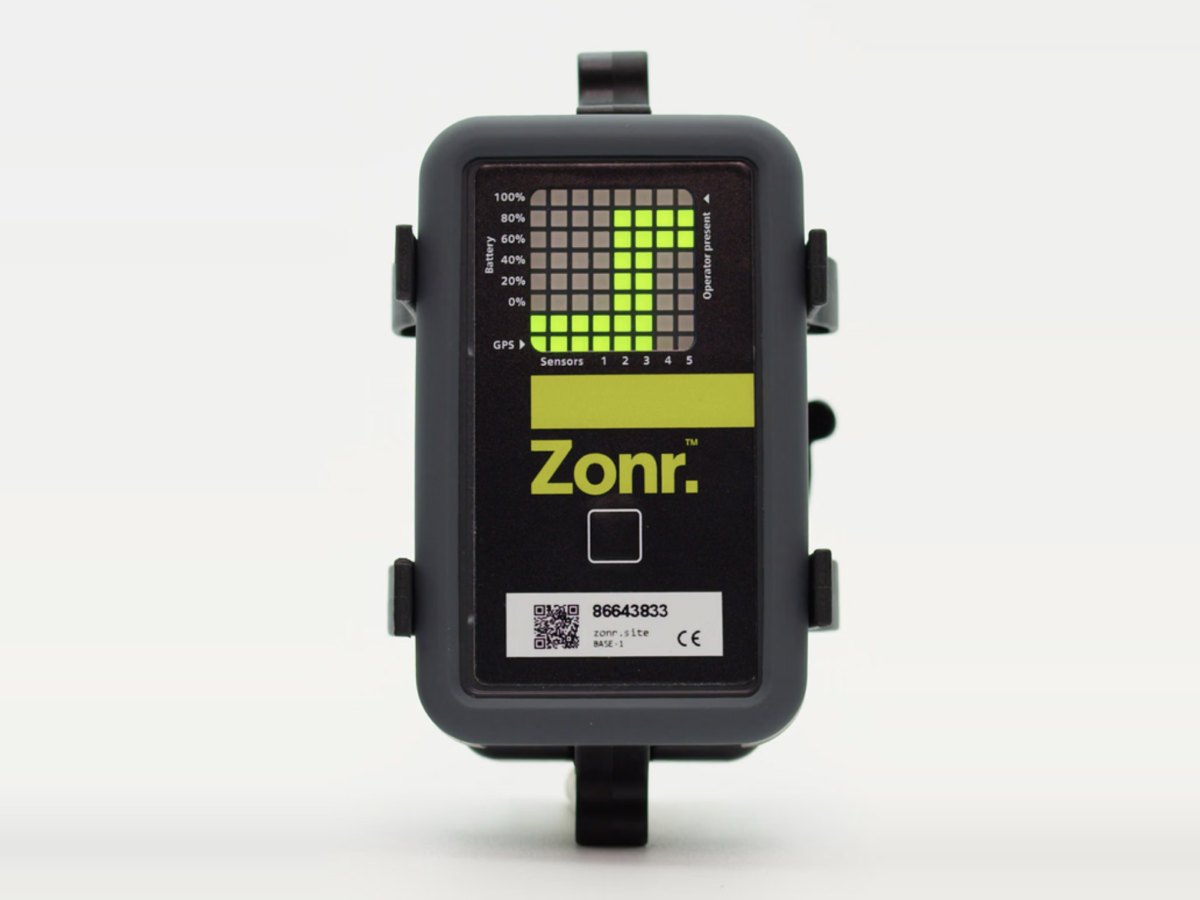
Zonr Base

The heart of the system. Sits in the cab where the operator can see it, and sounds and shows an alarm the moment someone enters the zone.

  • LED display shows battery, Sensors, operator, banksman and alarm at a glance
  • Recognises its operator in the cab, so they are never alarmed by their own machine
  • GPS position on every incursion, uploaded over the mobile network
  • Rests with the machine and wakes the moment it moves
Zonr Sensor

On the machine

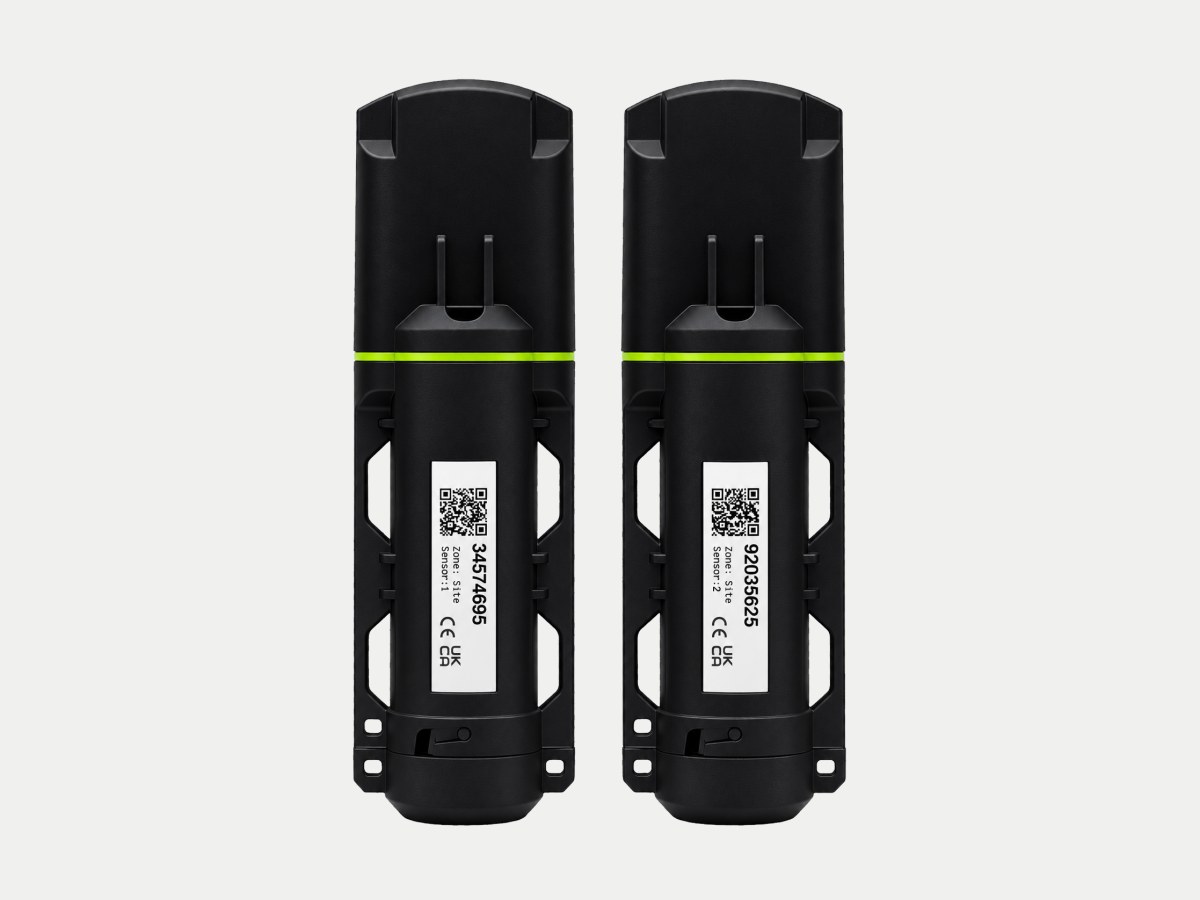
Zonr Sensor

Mounted on the outside of the plant to extend the zone around large or articulated machines, such as the dipper arm of an excavator.

  • Checks every nearby Tag individually, so everyone in a group is detected
  • Paired to its own Base, so machines working side by side keep their own zones
  • Updated automatically by its Base, with no site visit
  • Replaceable battery
Zonr Tag

On the worker

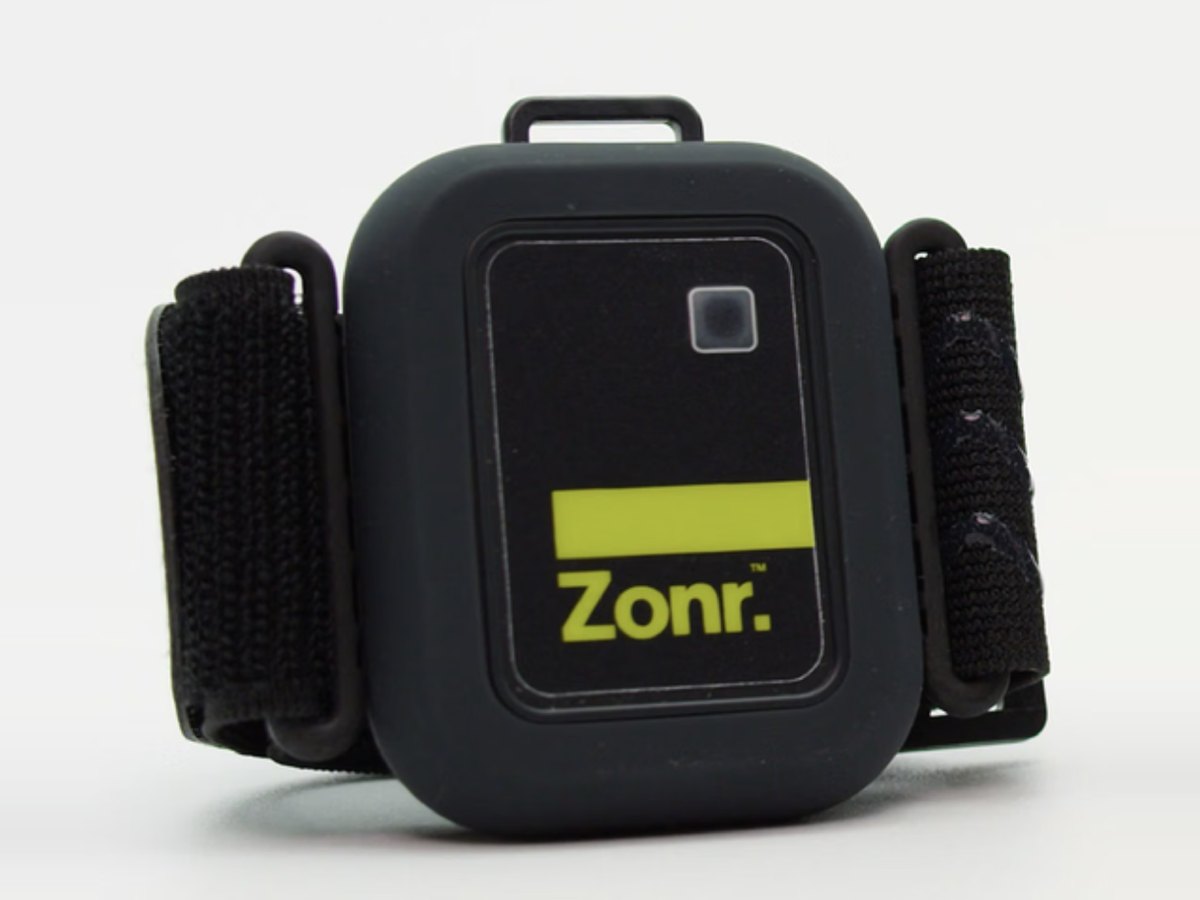
Zonr Tag

Worn on the arm by everyone on site. It vibrates and sounds to warn the wearer as soon as they step into a machine's zone.

  • Alerts the worker and the operator at the same time
  • A flashing light shows it is switched on and working
  • Press the button to hear the battery level
  • Updated over the air
Zonr MC Tag

With the banksman

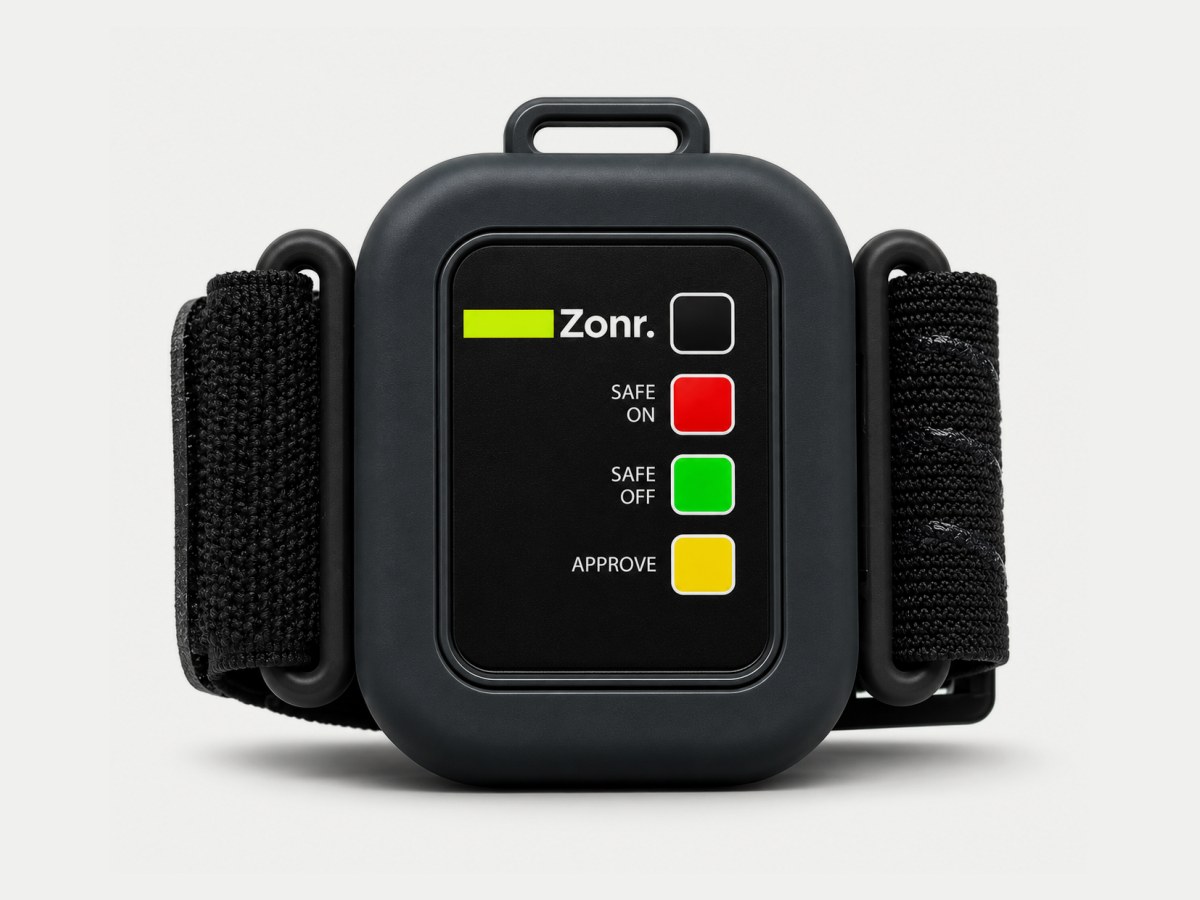
Zonr MC Tag

Worn by the banksman. Its buttons put control of the machine's zone in their hands: SAFE ON and SAFE OFF switch safe mode, and APPROVE lets a worker in for a planned task.

  • Hold APPROVE to approve everyone at once
  • Approvals reach the whole machine, Sensors included, straight away
  • Alerts the banksman when a worker enters the zone
  • The Base's MC light shows it is in touch and nearby

Tag charging station

Charge Tags together between shifts, so they are ready for the next one.

Set up

Protected in around 10 minutes

No cables, no engineer and no changes to the machine.

  1. 01

    Fit the Base

    Place the Base in the cab where the operator can see it and plug it into the 12/24 V socket.

  2. 02

    Mount the Sensors

    Clip the Sensors to the outside of the machine with the supplied cradles.

  3. 03

    Set the zone

    Scan the Base, name the machine and choose its exclusion distance on the portal.

  4. 04

    Hand out Tags

    Workers and the operator wear a Tag on the arm. That's it: the machine is protected.

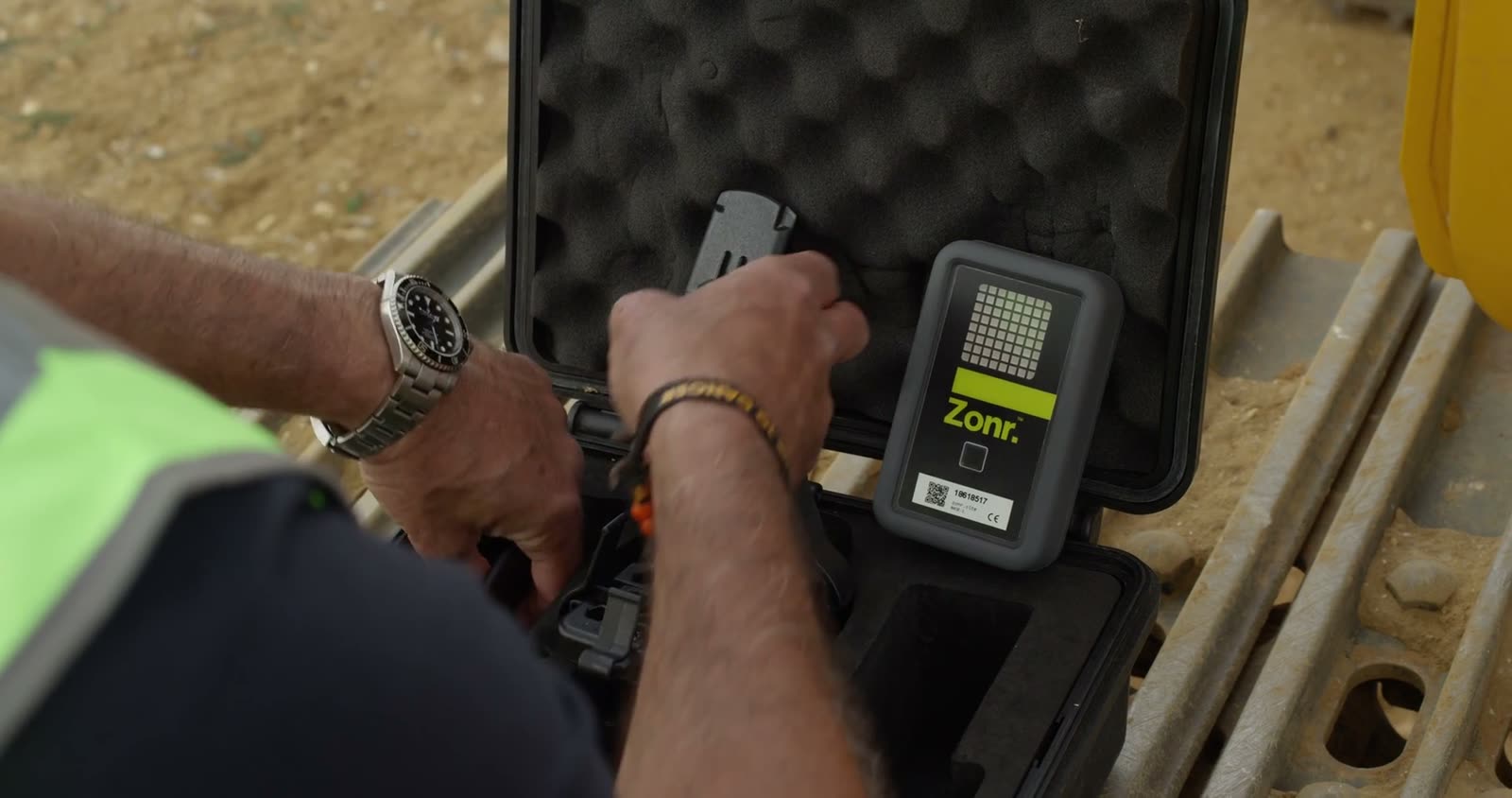
A Zonr kit in its carry case
Everything arrives in one carry case.
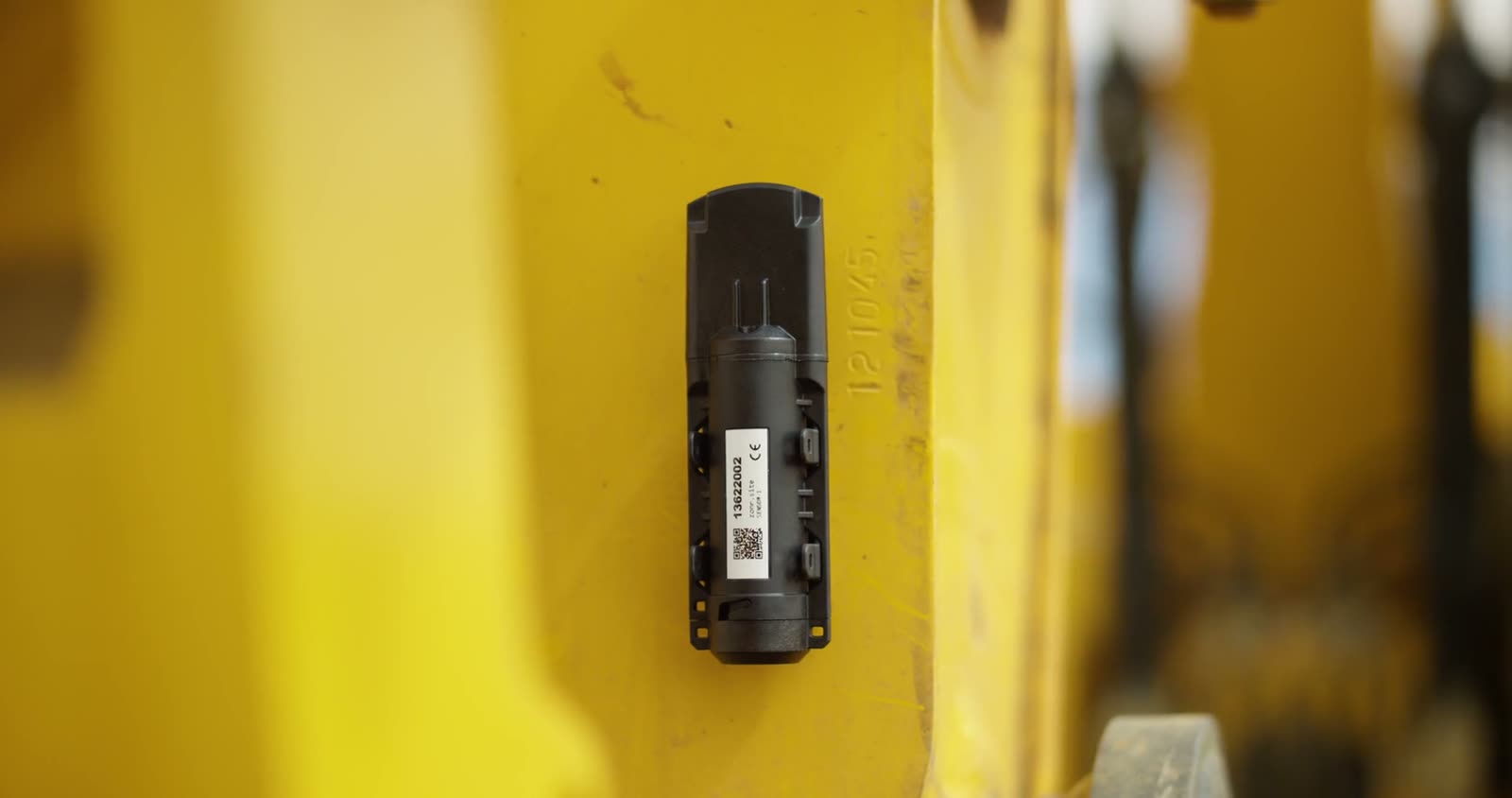
A Zonr Sensor mounted on the rear of a machine
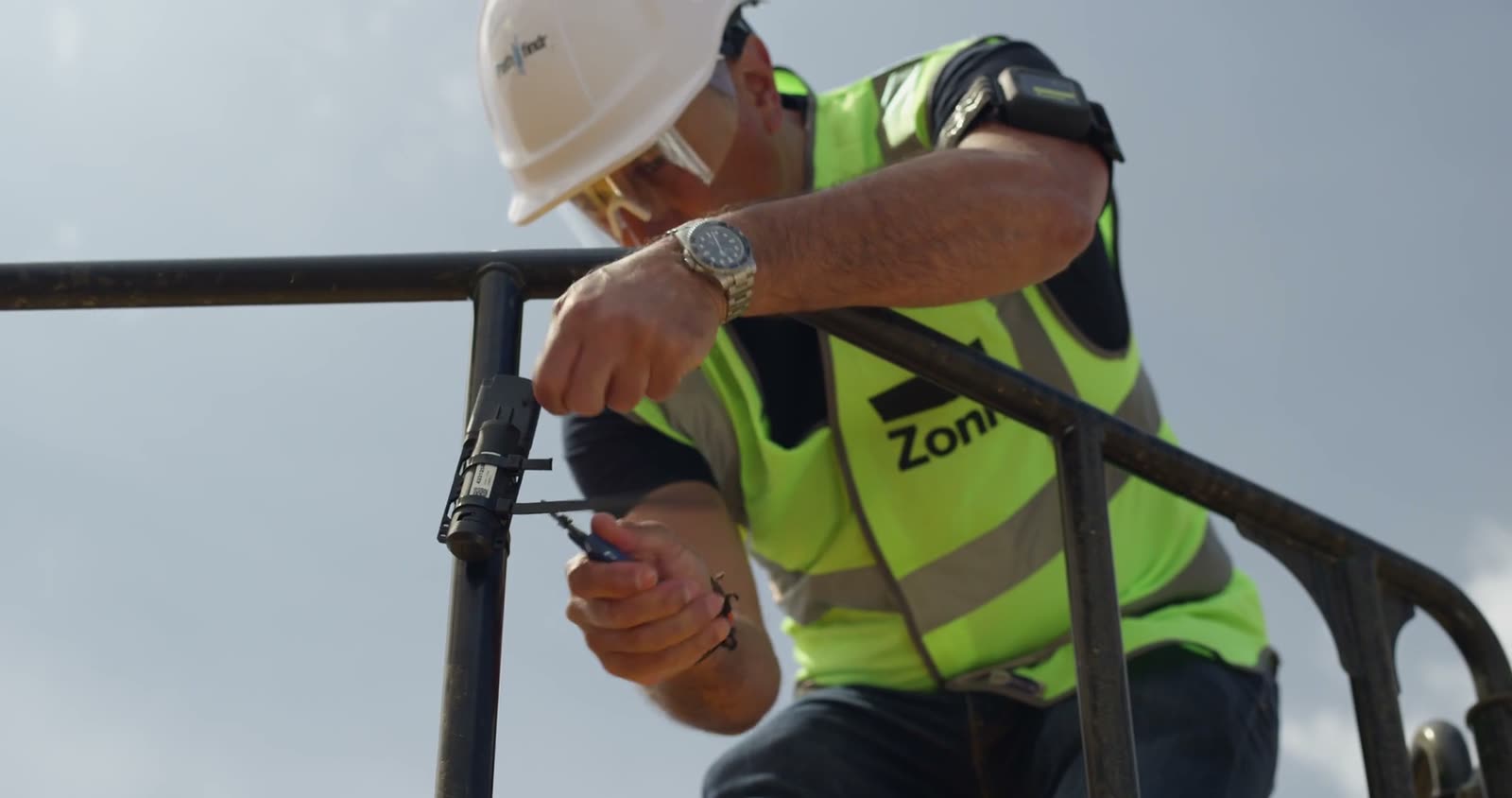
Sensors clip to the outside of the machine.

The Zonr portal

Your safety data, in one place

Every Base reports to the Zonr portal over the mobile network. Manage your kit, change settings and learn from every incursion.

Map of your plant

See every machine on a map, with its latest location and status.

Incursion reports

Every incursion with its time, duration and GPS position, ready to export.

Jobs and kit

Organise machines by job, with kit IDs and battery levels for every device.

Online training

Operator and installation training online, recorded against each person's PTS number.

Remote settings

Change alarm distances and timings from the portal. They reach the machine within minutes.

Secure by design

Roles for every user and two-factor sign-in.

Already a customer? Log in to the portal

Important: Zonr is an aid that alerts workers and operators when someone enters a machine's exclusion zone. It does not replace safety training, site procedures or your other measures to manage the risk of people and plant coming together, and it is not a substitute for compliance with health and safety regulations.

See Zonr on your site

Try a full Zonr kit on your own plant for 30 days, free, or book a demo with our team.